Grand Forks Rotary
Weekly meetings at 12 noon each Tuesday
Northside Cafe
2950 10th Ave N.
Grand Forks, ND 58201
Thinking about joining a service club? Download a brochure on what we do. You can join us for lunch as our guest at our regular noon Tuesday meeting. Then Download a membership application. See you there!
Four Way Test
First
Is it the TRUTH?
Second
Is it FAIR to all concerned?
Third
Will it build GOOD WILL and BETTER FRIENDSHIPS?
Fourth
Will it be BENEFICIAL to all concerned?

Welcome
You're Welcome to Join Us
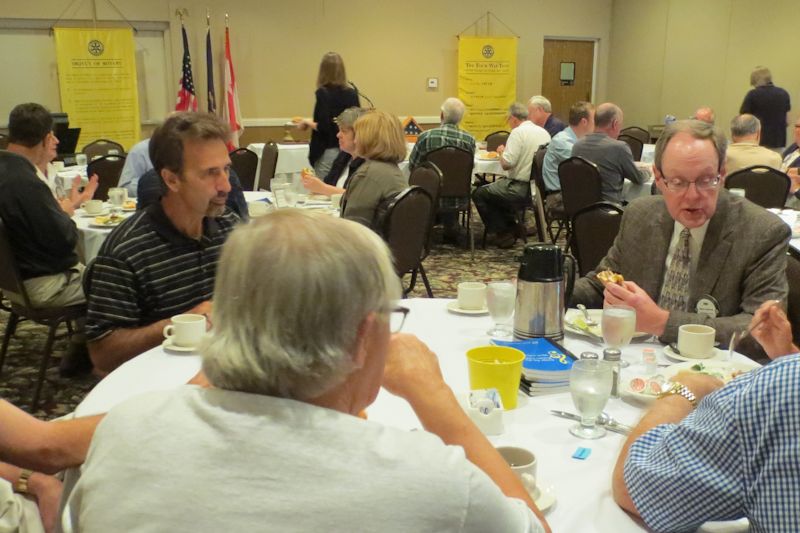
The Grand Forks Rotary is an active and engaged organization with a long tradition of service to our community. Our weekly meetings offer members a chance to network with local leaders and to be better informed about a wide range of community topics. The meetings are held each Tuesday, beginning with a noon luncheon, in Grand Forks.
If you are interested in exploring your place in leadership, service and community awareness through Rotary, we welcome you to join us. Contact me or any other Rotarian and we will be happy to invite you to a meeting as our guest.
Rotarians are neighbors, community leaders and global citizens united for the common good. With your participation, we can accomplish even more.
Zac Ista, President, 2023-2024
Grand Forks Rotary
Weekly meetings at 12 noon each Tuesday
Northside Cafe
2950 10th Ave N.
Grand Forks, ND 58203
Member of District #5580
Four Way Test
First
Is it the TRUTH?
Second
Is it FAIR to all concerned?
Third
Will it build GOOD WILL and BETTER FRIENDSHIPS?
Fourth
Will it be BENEFICIAL to all concerned?